Know Which Projects Are Making Money and Which Are Bleeding Cash — In 7 Days
For construction managers who are tired of discovering profit problems 30 days too late.
Instant download • Includes template • 30-day guarantee
Instant download • Includes template • 30-day guarantee
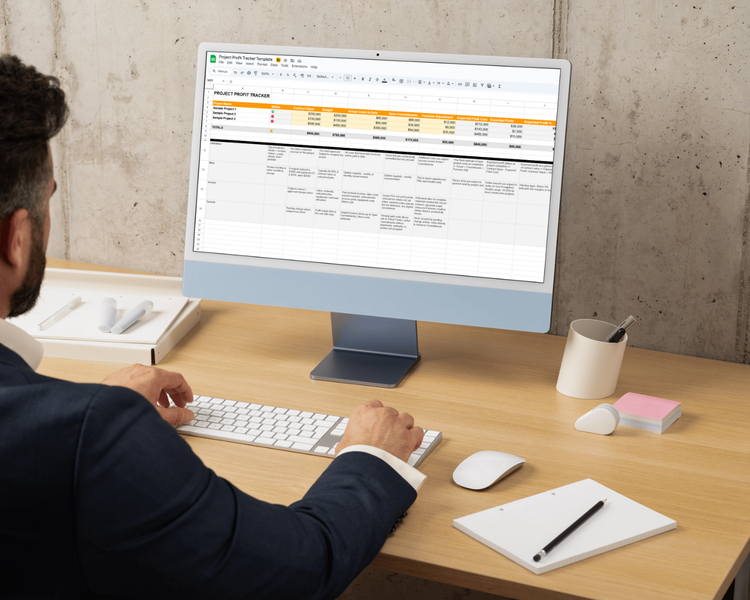

You know that gut feeling when a project just doesn't feel right?
Labor's running heavy. Materials cost more than you expected. A sub is behind schedule. Change orders are sitting in limbo.
None of it screams disaster. But something's off.
You won't know how bad it is until the job closes — or until accounting finally runs the report 30 days from now.
By then, the damage is done.
He had no idea which projects were actually profitable.
That's what one son said after taking over his father's general contracting business. And it's not because anyone's bad at their job. It's because the systems most construction managers use weren't built to show you profit while the job is still active.
You see total revenue. Total costs. Maybe a job-cost report that's already two weeks old.
But when someone asks, How's the Harbor project doing financially? — you can't answer in 60 seconds. You need 2 days and a meeting with accounting.
That's not a reporting problem. That's a visibility problem.
And it's costing you money you'll never get back.
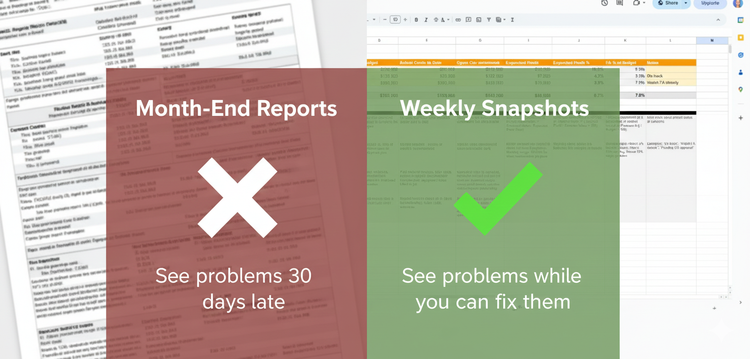
Most construction managers try to track profitability by waiting for month-end accounting reports.
That fails because by the time you see the numbers, the damage is done. You can't fix a project that already lost $50K.
📚 7 Daily Lessons (5-10 minutes each)
What profitability actually means at project level. The 6-8 critical numbers you need to track. How to get good enough data without waiting for perfect accounting.
📈 Project Profit Tracker Template (Spreadsheet)
Pre-built with formulas already set up. Tracks projected cost, quoted cost, actuals, materials, paid amounts, admin, and overhead. Auto-calculates green/yellow/red status per project.
✅ Weekly Profit Clarity Snapshot (Checklist)
Exactly what to update each week. Takes 15 minutes once you're set up. Shows you how to spot problems while you can still fix them.


By Day 4, you'll see per-project profitability for the first time in a way you can actually act on.
Not a month-end report.
Not a guess.
A clear snapshot showing which of your active projects are green, yellow, or red — based on current numbers, not historical data.
This single view changes how you think about every job you're running.
You'll finally be able to answer How's this project doing? in 60 seconds — not 2 days.